




Status Timeout
- Role
- Senior Product Designer
- Timeline
- 3 months
- Team
- 8 cross-functional members
Status Timeout is a feature initiative aimed at protecting over $45M ARR in UserVoice requests from Enterprise customers. The feature allows administrators to configure custom timeout scenarios inside Agent Workspace — defining exactly what agent status is triggered when an agent goes idle or disconnects. This gave customers the operational flexibility they had long been asking for.
Problem statement
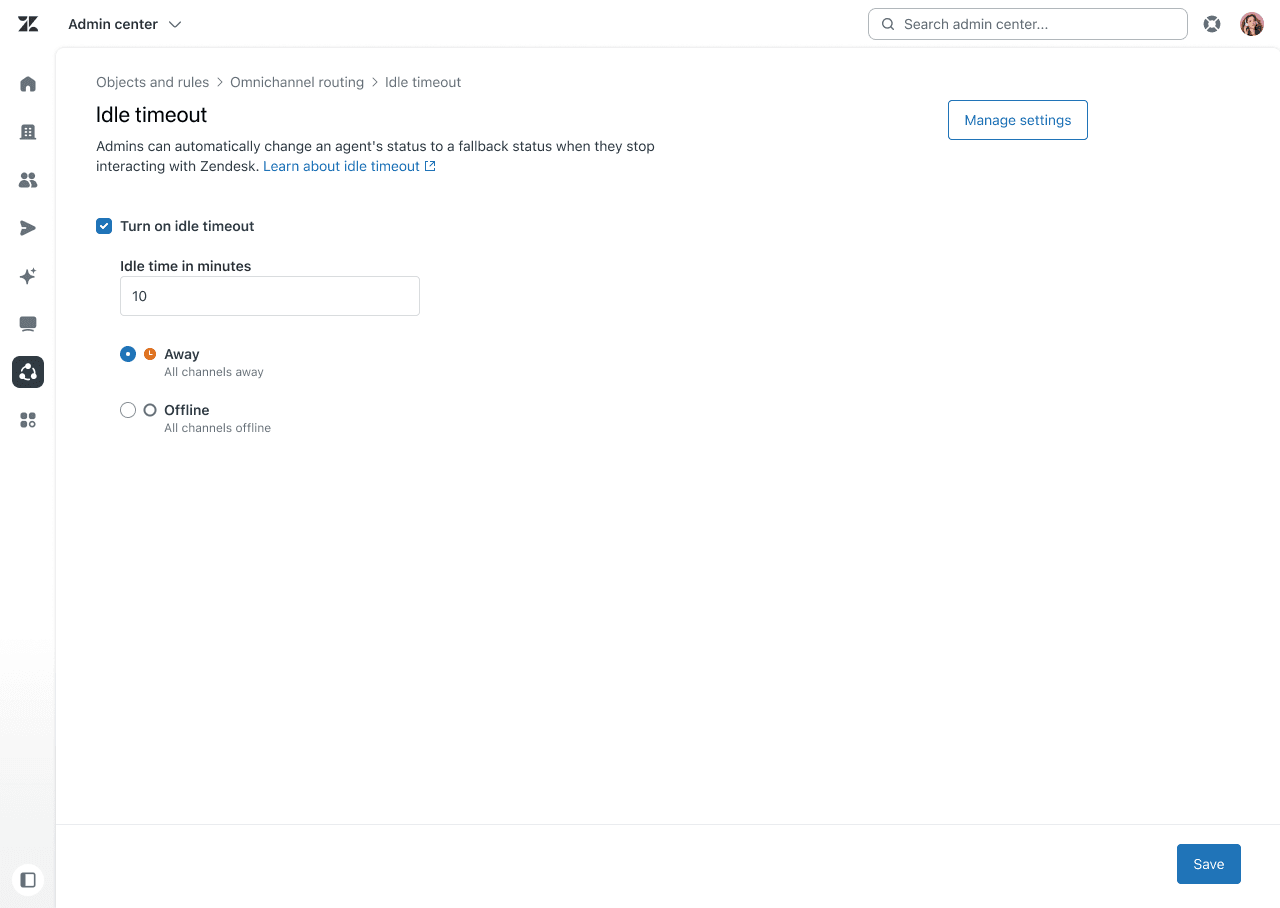
The previous experience was severely limited. Customers could only configure idle timeout within a fixed 5-minute to 24-hour window, with just two default fallback statuses: Away or Offline. There was no way to handle disconnection events separately, and no support for the custom agent statuses many teams had already built their workflows around.
For Enterprise customers running complex support operations, this created real gaps in reporting accuracy and agent management.
System analysis
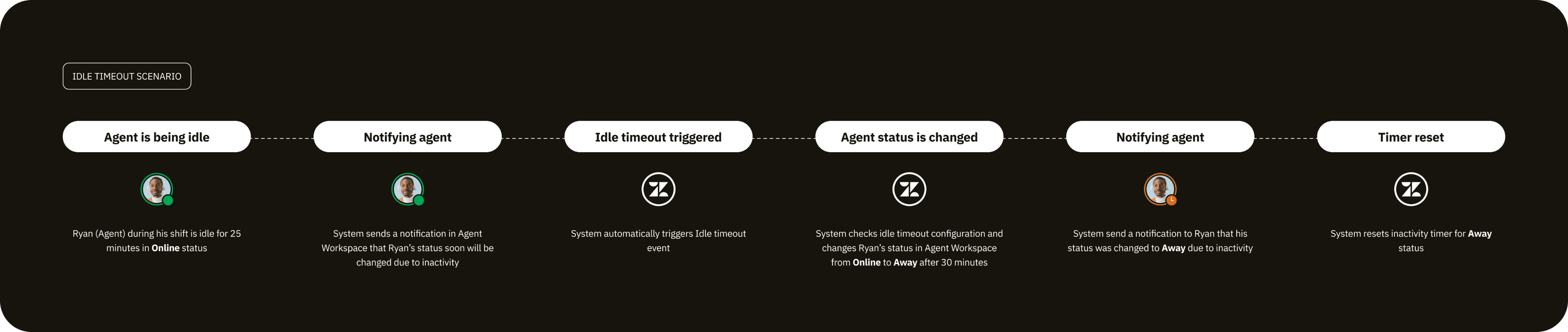
To design a solution that would hold up under real-world complexity, I conducted a thorough system analysis of Agent Workspace to map all the events that could affect an agent's status. From this investigation, I identified 9 distinct scenarios — covering everything from idle events to disconnection states — and mapped the expected system behavior for each. This became the foundation for how we scoped and prioritized the feature.

Transition and onboarding
A meaningful portion of our customers were already using the legacy experience, so a smooth migration was essential. We built an automated migration flow that carried existing configurations forward into the new experience without requiring manual re-entry.
Results
The response post-launch was strongly positive. Status Timeout helped reduce customer churn, gave teams the tools to build more sophisticated agent workflows, and — perhaps most meaningfully — resulted in significantly more accurate historical reporting.