



Cursor Blueprint
- Role
- Program Founder, Lead Designer
- Timeline
- 3 months
- Team
- Solo initiative → Cross-functional collaboration
Founding an internal enablement program that empowered designers to create high-fidelity, code-based prototypes using Cursor AI, transforming how the design team ships and validates ideas.
Overview
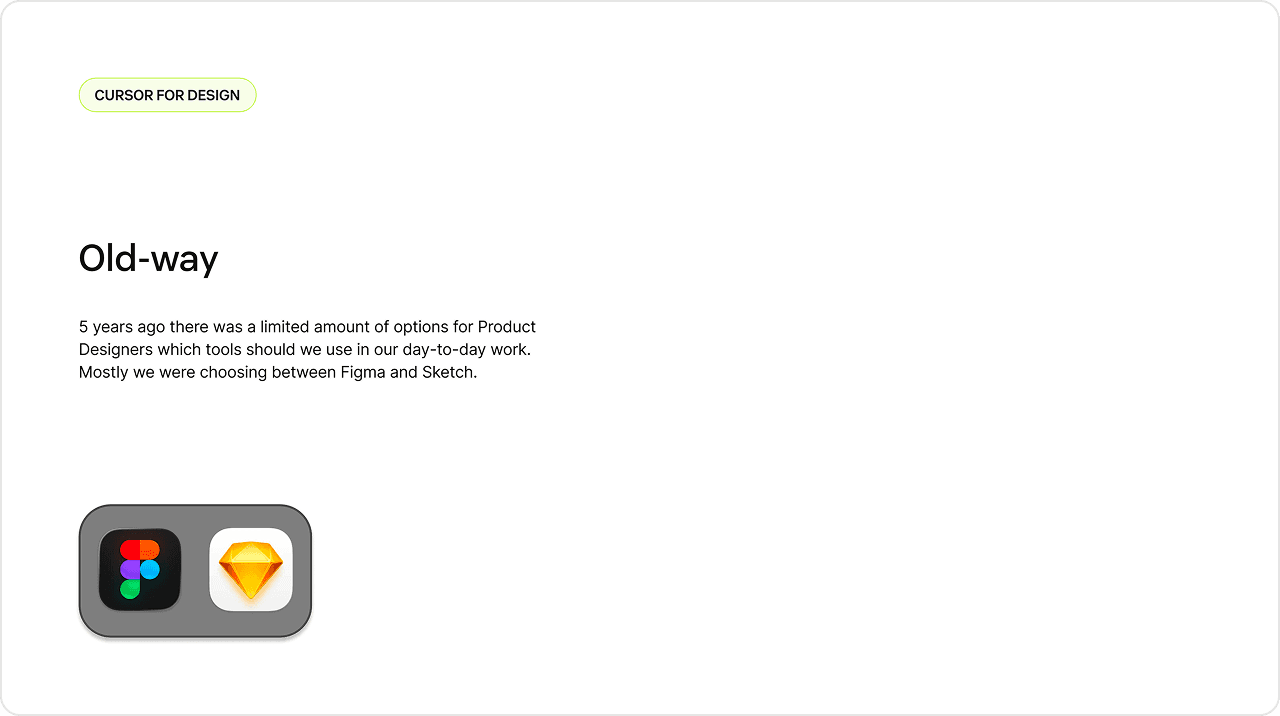
Product designers at Zendesk faced a growing gap between design tools and the reality of building in production. While Figma excelled at visual design, it struggled to capture:
- Complex state management in multi-step workflows
- Real data integration and API behavior
- Production design system constraints and capabilities
- Interactive prototypes that felt authentic to users and stakeholders
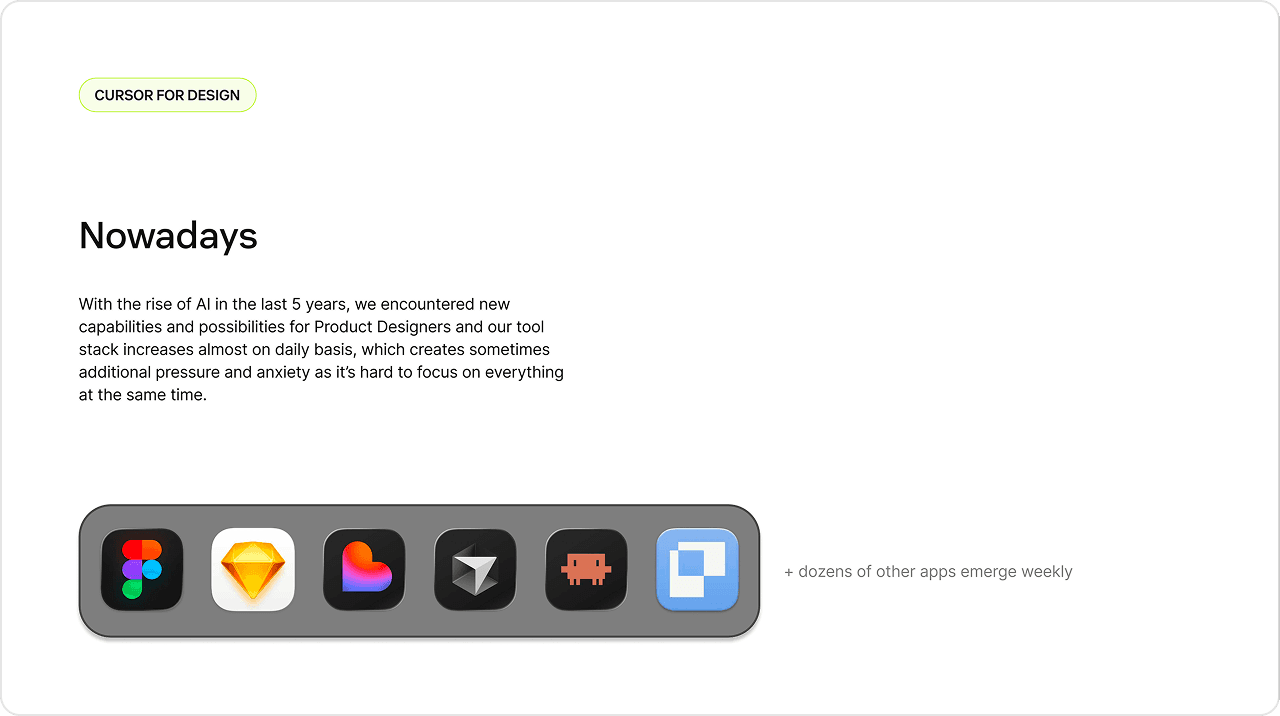
As AI tools exploded in 2025, designers felt pressure to keep up with dozens of new tools, creating anxiety and tool fatigue. Meanwhile, the handoff process to engineering remained screenshot-based, losing fidelity and context.
The opportunity
What if designers could prototype directly in code, using the same design system engineers use, powered by AI that writes the code for them?
This wasn't about replacing Figma — it was about adding a new prototyping layer for:
- 0→1 explorations that need to feel real to test with users
- Complex workflows that are hard to simulate in Figma
- Technical feasibility validation before engineering investment
- Understanding the codebase to design with engineering constraints in mind
My approach
I founded "Cursor Blueprint" — an internal enablement program providing:
- Comprehensive documentation for designers new to code-based prototyping
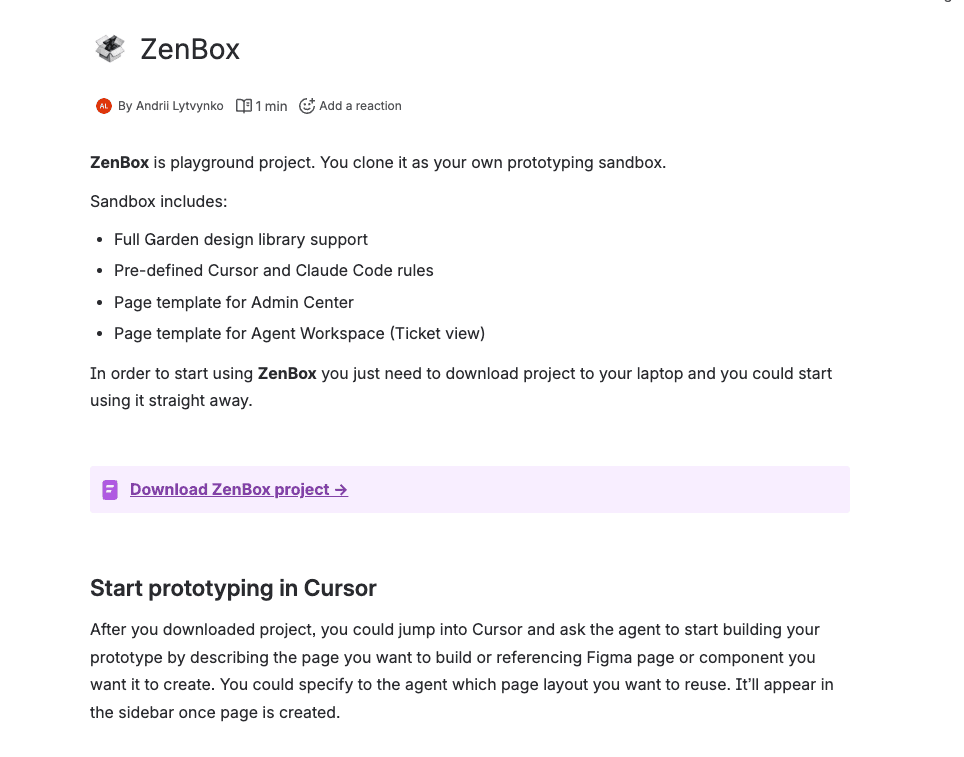
- ZenBox sandbox project with Zendesk's design system pre-configured
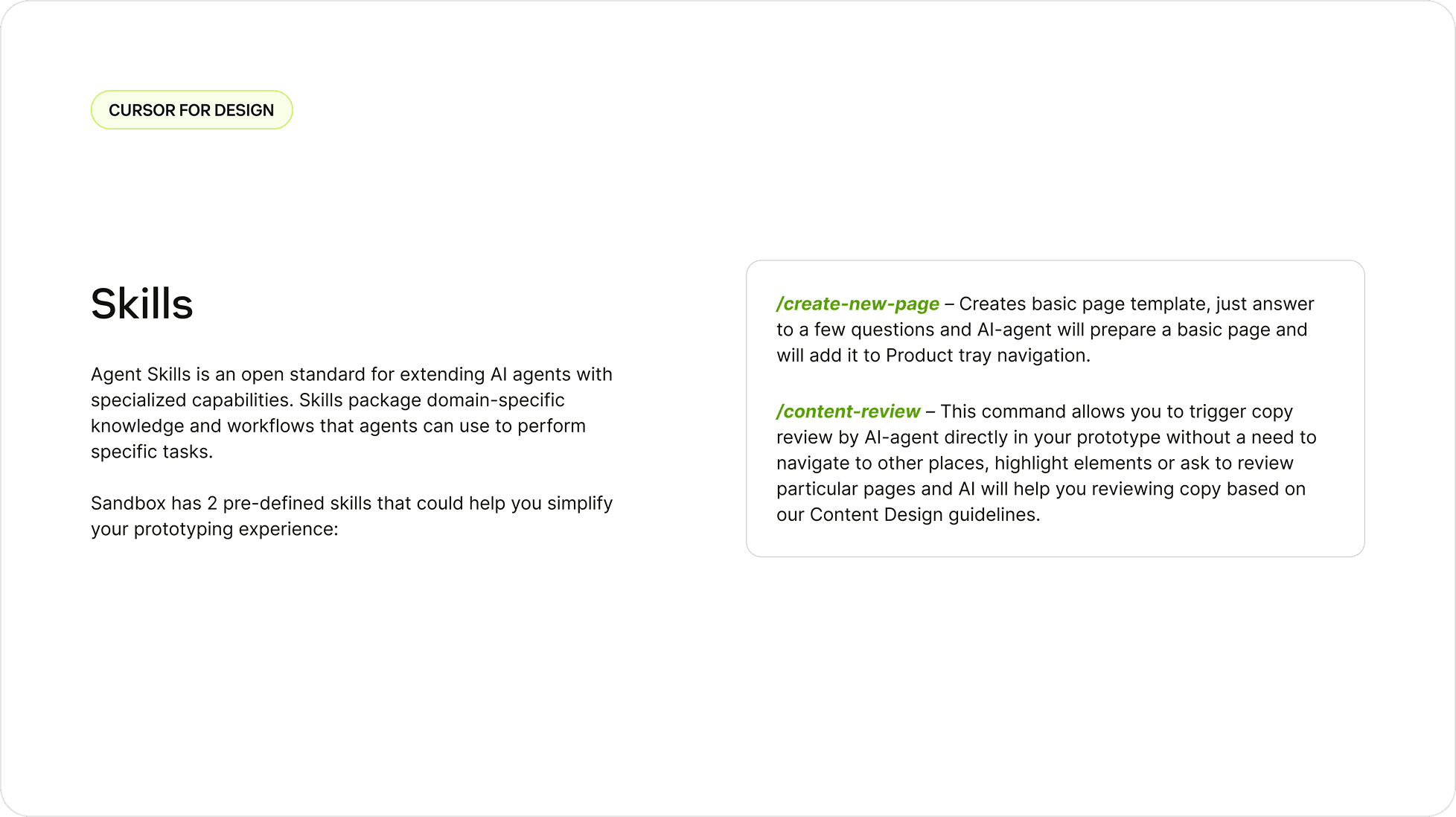
- Custom skills to automate common tasks
- Live training sessions and ongoing support
- Community building through Slack channel and demo sessions
The goal wasn't to turn designers into engineers — it was to remove barriers between design thinking and technical execution.
Context & Problem Space
Today:
- Dozens of AI tools launching weekly
- Overwhelming options create tool fatigue
- Figma + AI plugins + prototype tools + handoff tools = complexity
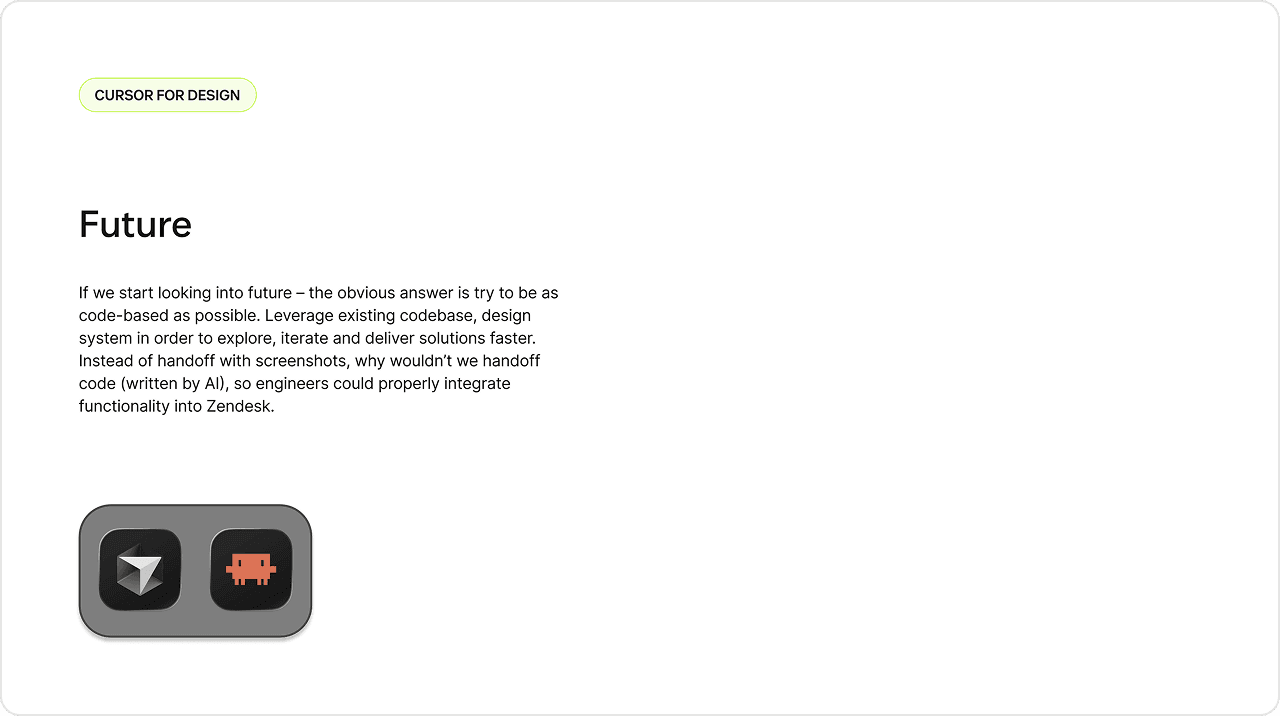
The Future I Envisioned:
- Code-based prototyping as standard practice
- Designers leverage actual codebase and design system
- AI writes the implementation, designers own the thinking
- Handoffs become code contributions, not screenshots
Why This Mattered for Zendesk
User Research Challenges:
- Users needed to interact with realistic prototypes to give meaningful feedback
- Clickable Figma prototypes felt "fake" and missed edge cases
- Complex routing logic and multi-step workflows were hard to simulate
Cross-Functional Collaboration:
- Engineers spent time interpreting Figma → code
- Design system components existed in code but not always in Figma
- Disconnect between "what's designed" and "what's possible"
Velocity & Innovation:
- Waiting for engineering to build prototypes killed momentum
- 0→1 ideas needed validation before roadmap commitment
- Designers wanted to move faster on exploration
Program Design
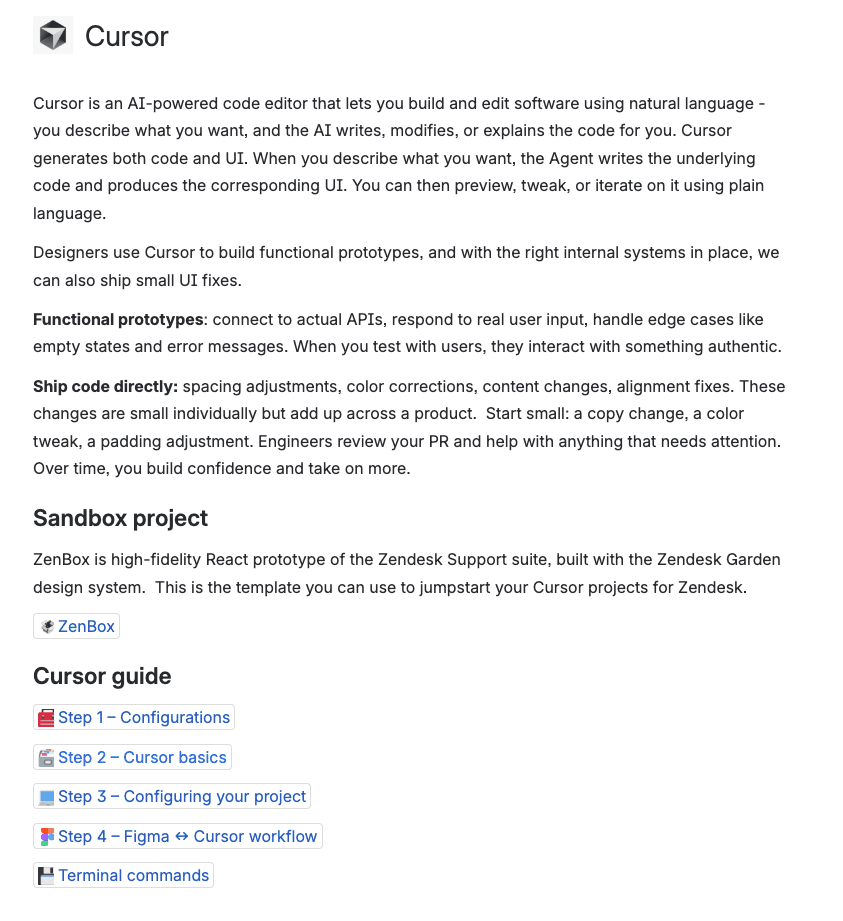
Module 1: Configurations
- Installing Cursor
- Connecting to Zendesk GitHub
- Setting up API keys
- Configuring MCP servers (Figma, Slack)
Custom skills
In order to streamline experience working with sandbox I've also created a few skills into the project. These skills were aimed to remove repetitive tasks for designers when they work with prototypes and ensure consistency of new page creation and generating copy. These skills were also introduced in a format of sandbox rules.
Outcomes & Impact
Velocity:
- 60% faster time-to-prototype for complex features
- Reduced engineering time reviewing Figma prototypes (code is clearer)
- Earlier ideas validation with customers (higher fidelity)
Quality:
- Prototypes matched production capabilities (no false expectations)
- Designers understood technical constraints better
- Handoffs included working code as reference
Team Enablement:
- Designers felt more confident collaborating with engineers
- Cross-functional trust improved (engineers saw designers "speaking their language")
Future Vision
Expand ZenBox:
- Add more page templates
- Build component examples library
- Create starter kits for common flows
Advanced Training:
- "Cursor Power Users" workshop
- State management patterns
- API integration basics
Long-Term Vision (6-12 Months)
Goal: Make code-based prototyping default for complex work
Bigger Vision:
The line between design and engineering blurs — not because designers become engineers, but because AI removes the code barrier, letting designers focus on the thinking.
Final Takeaway
Cursor Blueprint wasn't just about a tool — it was about enabling a team to think differently.
By removing the barrier between design and code, we unlocked:
- Faster prototyping
- Deeper collaboration
- More realistic user testing
- Better design-engineering communication
The program proved that with the right scaffolding, enablement, and community support, designers can adopt powerful new workflows without becoming engineers.
The future of design isn't about choosing between Figma and code — it's about using both, and letting AI handle the translation.
This is just the beginning.