

Brainly Extension
- Role
- Senior CX Product Designer
- Timeline
- 2020 – 2023
- Team
- 6 cross-functional members
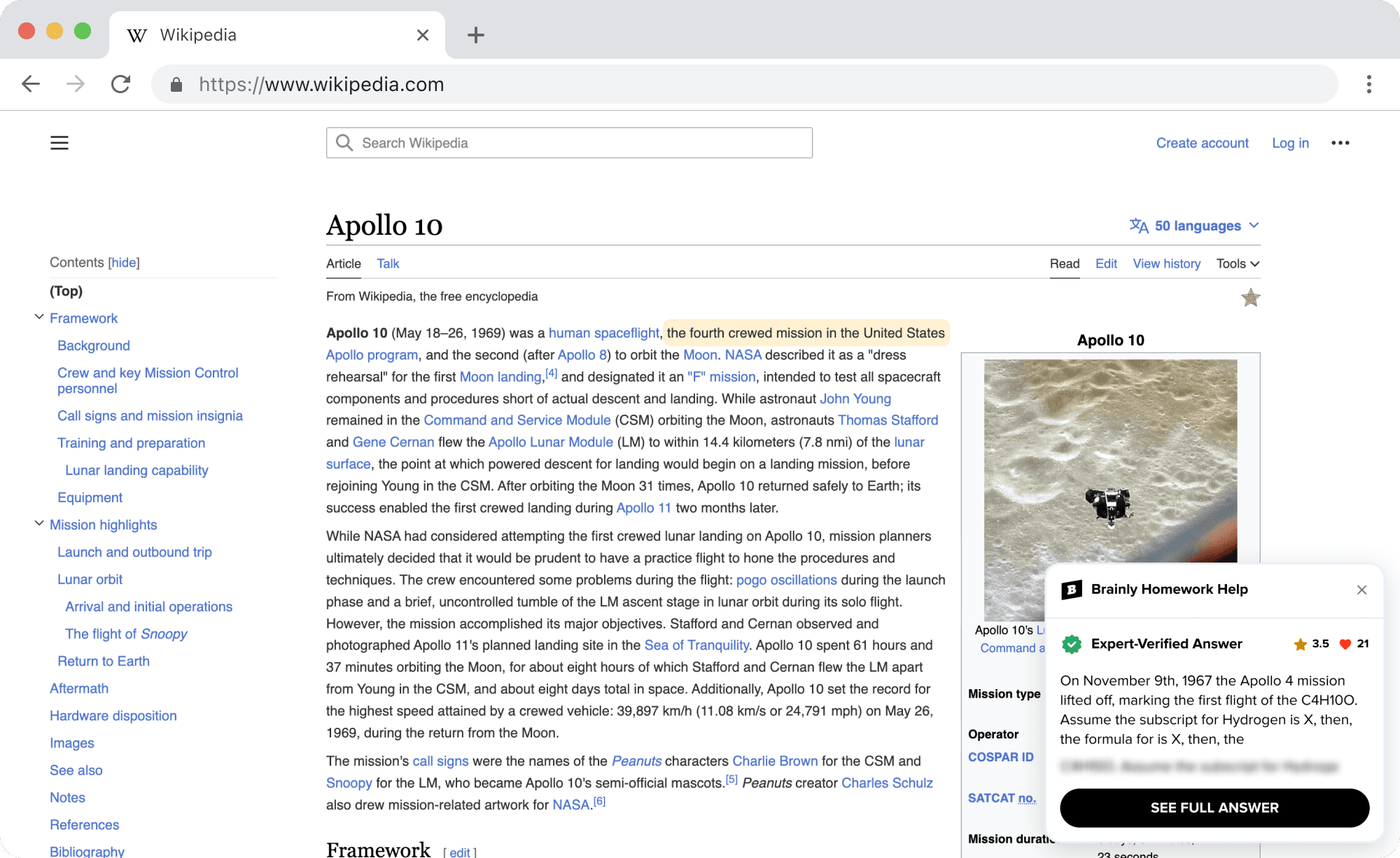
I led the end-to-end design direction of the new experience, where we helped students whenever they struggled with their school assignments directly on any website with the help of the Brainly extension.
Homework has gradually moved to the digital world. This means everything happens on LMSs (learning management systems) chosen and used at the school level.
Despite launching an extension during school break, we saw massive student interest and quickly surpassed 50,000+ installs with positive user reviews.
Exploration
To validate the assumption, I started working closely with the Senior Software Developer to understand the technical limitations of creating a Chrome Extension before working on design ideation. In parallel, together with our Senior UX Researcher, we conducted research and prepared moderated live interviews with real students.
Research Goals
Methodology
We ran 4 in-depth user interviews with US high school students who had either Classroom, Canvas or Schoology as their LMS (selected based on their larger market share in the USA).
Each interview was around 45 minutes, during which we tried to understand the structure of an LMS, check and analyze different types of digital school assignments, and understand users' pain points and what they lacked in their daily routine. Based on the interviews, I identified several key opportunities that I later proposed to stakeholders during design ideation — these became the extension's core features.
Key Takeaways
- Students' main platform is their school's Learning Management System (LMS). They primarily use the web interface and visit the LMS daily, highlighting its central role in their academic routine.
- Digital homework has become the norm, but it encompasses PDF files, quizzes, Google Docs, videos, and more formats.
- Depending on the LMS platform, homework can be completed on the same or external platforms (e.g., Edpuzzle, IXL, Gizmos, CommonLit, etc.).
- The browser extension has the potential to provide proactive help to students based on their LMS usage when they struggle with completing assignments.
Evaluation
Based on research insights and technical discussions, I started working on proposals for user flows and the first low-fidelity drafts we later brought to a technical grooming session with the development team to evaluate possible development complexity.
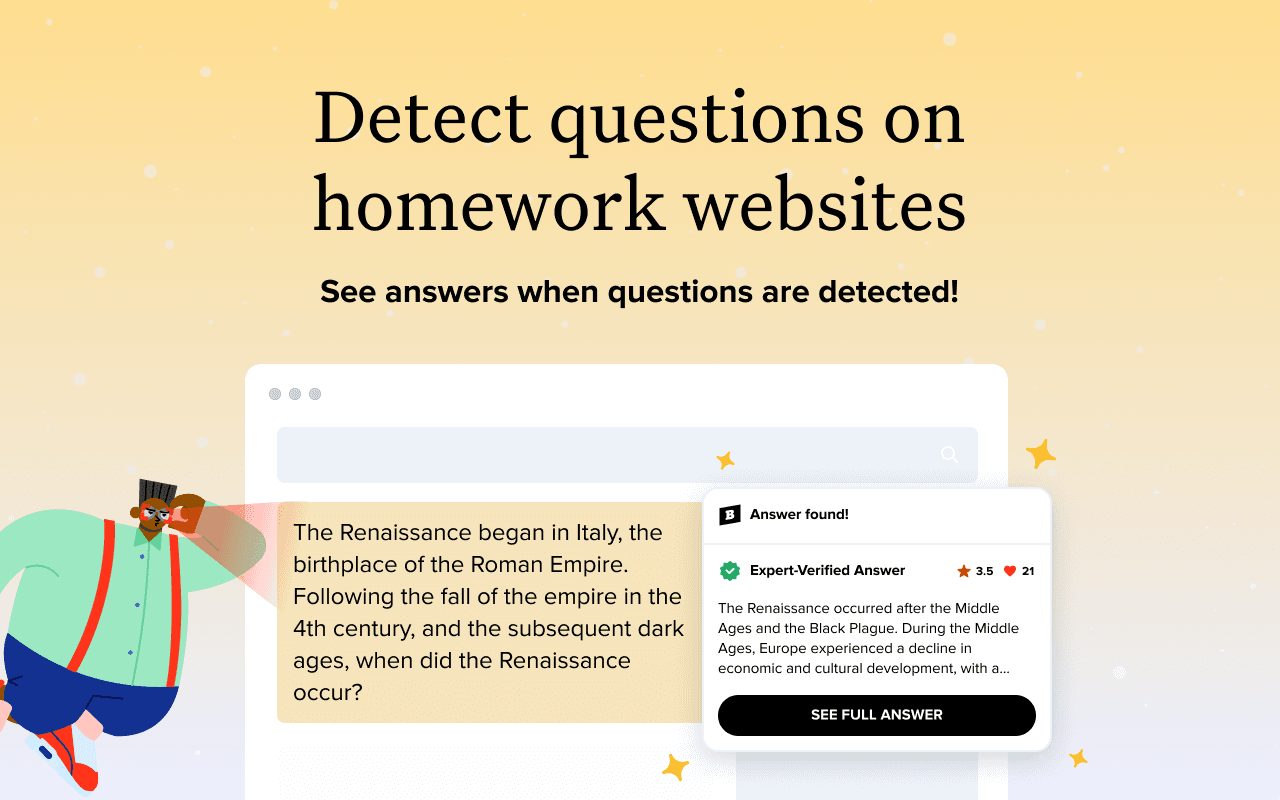
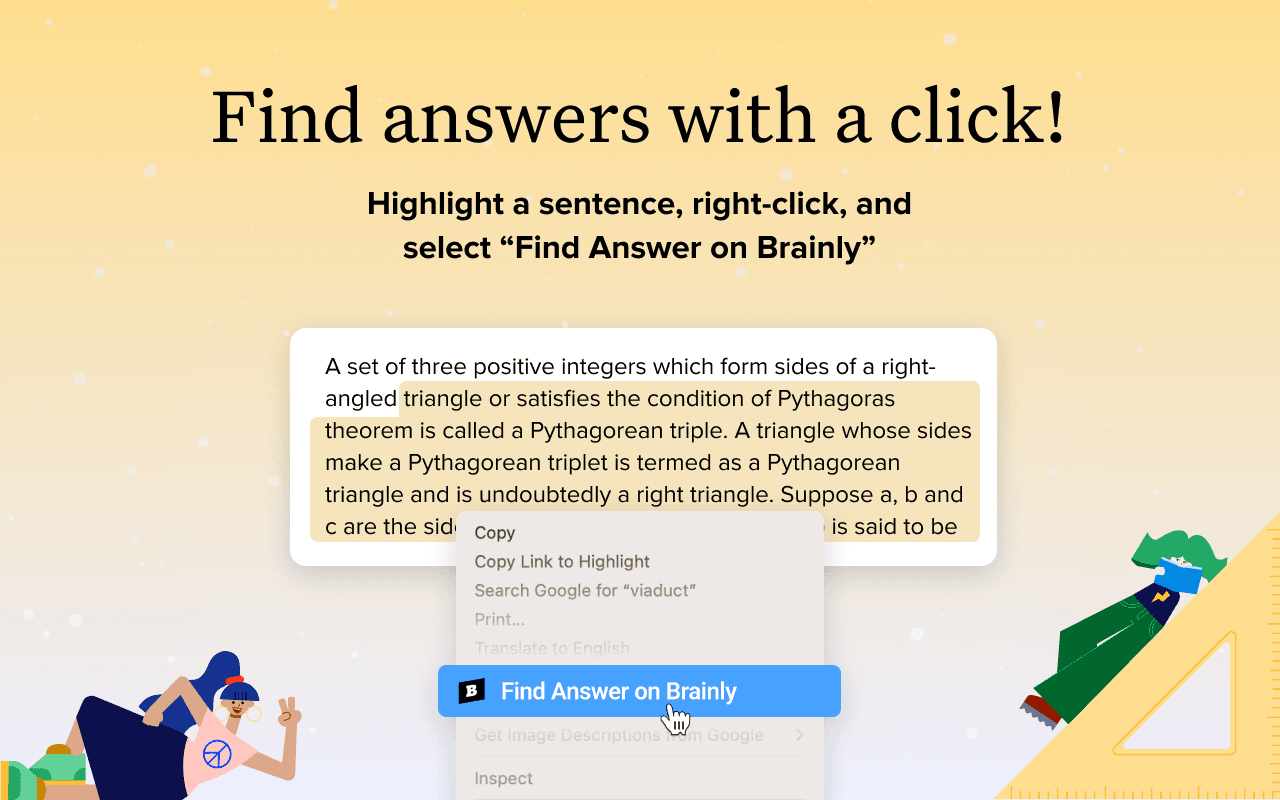
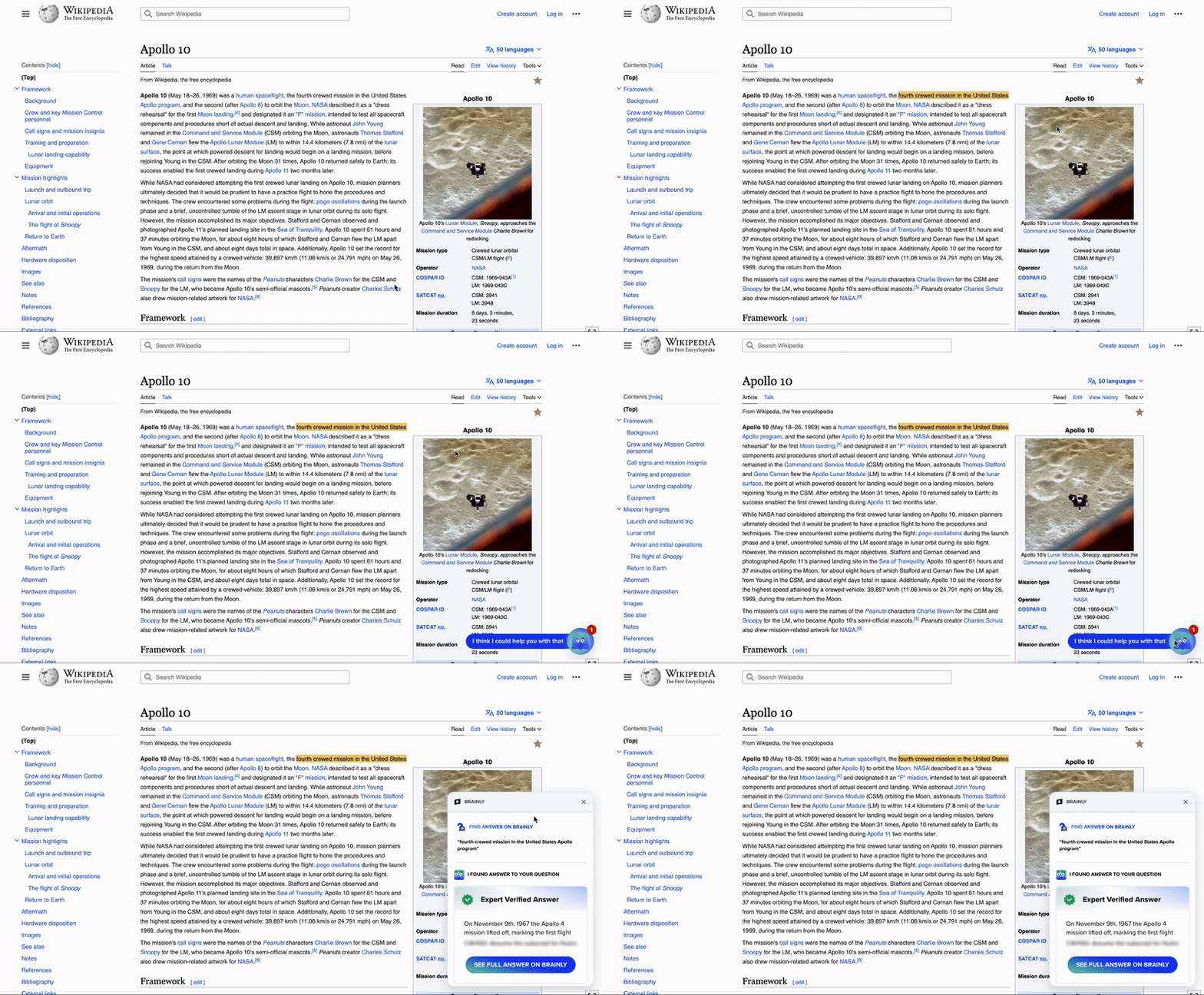
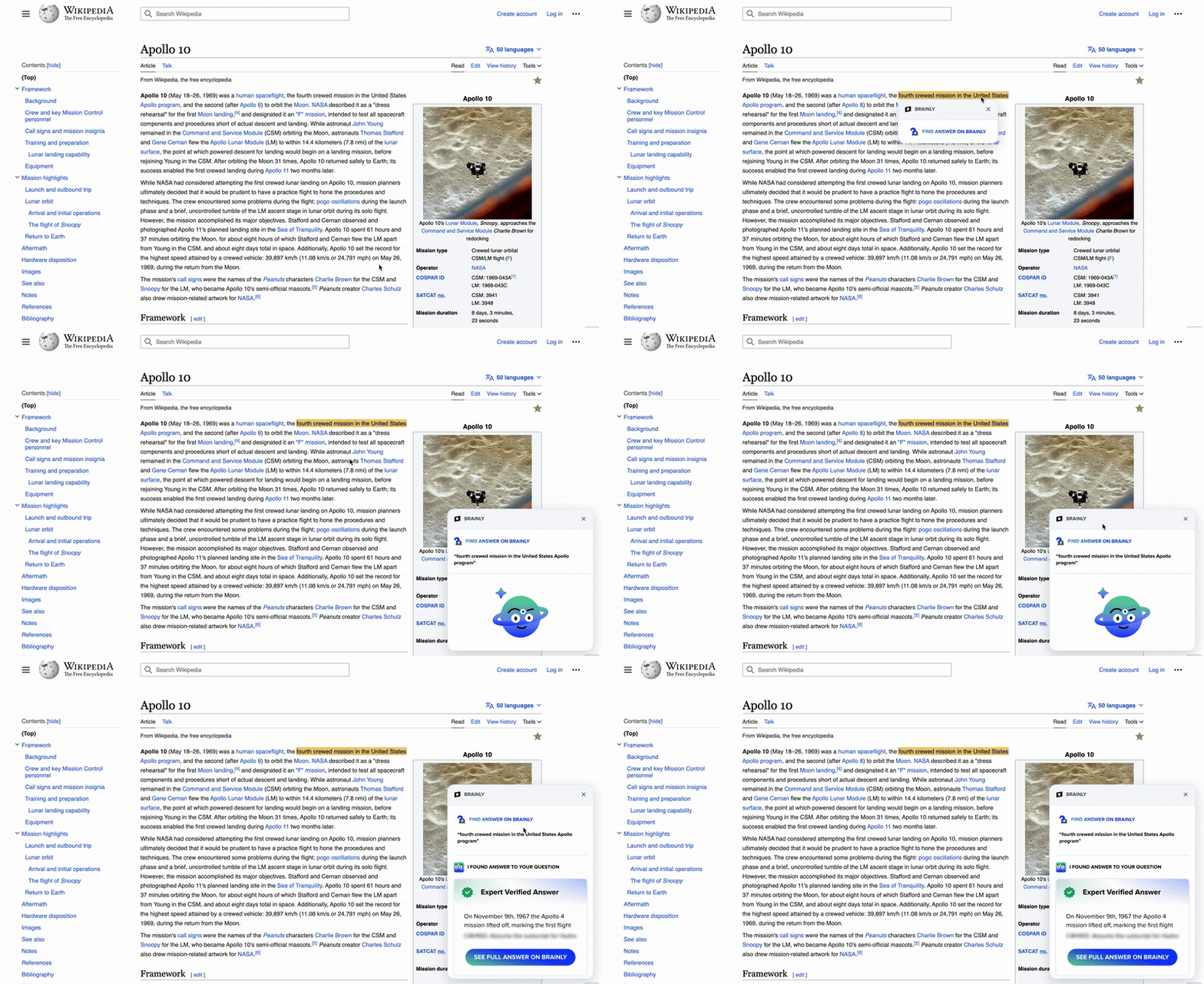
The extension proposal covered two flows: Automated — when the extension automatically detects a question on the webpage and prompts the user to read an answer and Manual — which works like a backup when the extension cannot detect a question and allows the user to search for answers manually.
Feedback
After grooming with the team, we split Automated & Manual flows into two phases. First, to deliver the Manual flow and check traction on how users would search for answers and on which platforms, and later release Automated flow with support on platforms where users seek help finding answers to questions.
We also wanted to show the rating & number of thanks on answers, as we knew from previous research that this information is valuable to our users and helps them assess answer quality.
First release & Promotion
To prepare for the first release, I started working closely with our Senior IxD Designer - Ilya Zorya to polish designs, align them with our branding, and prepare for developers' handoff.
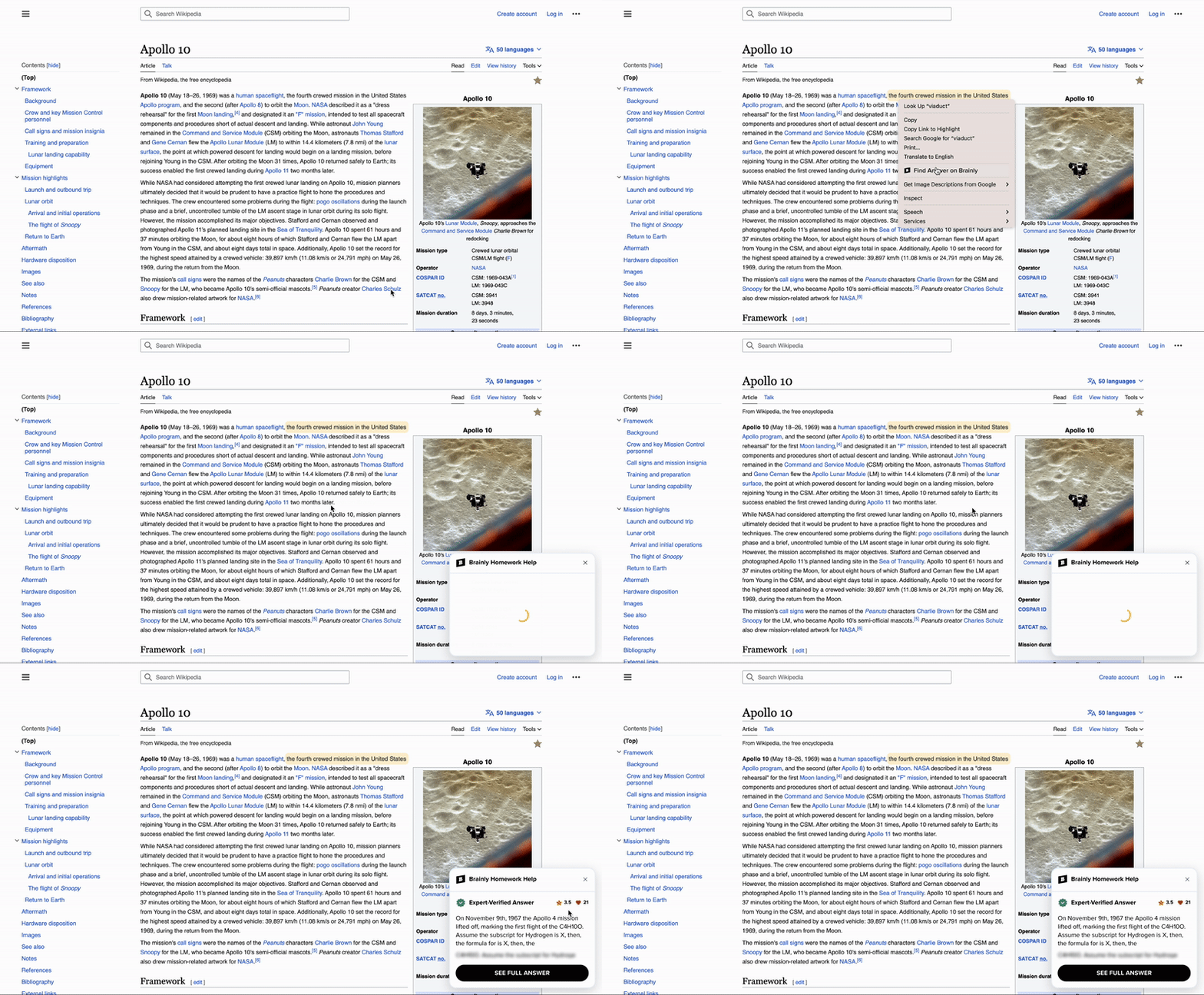
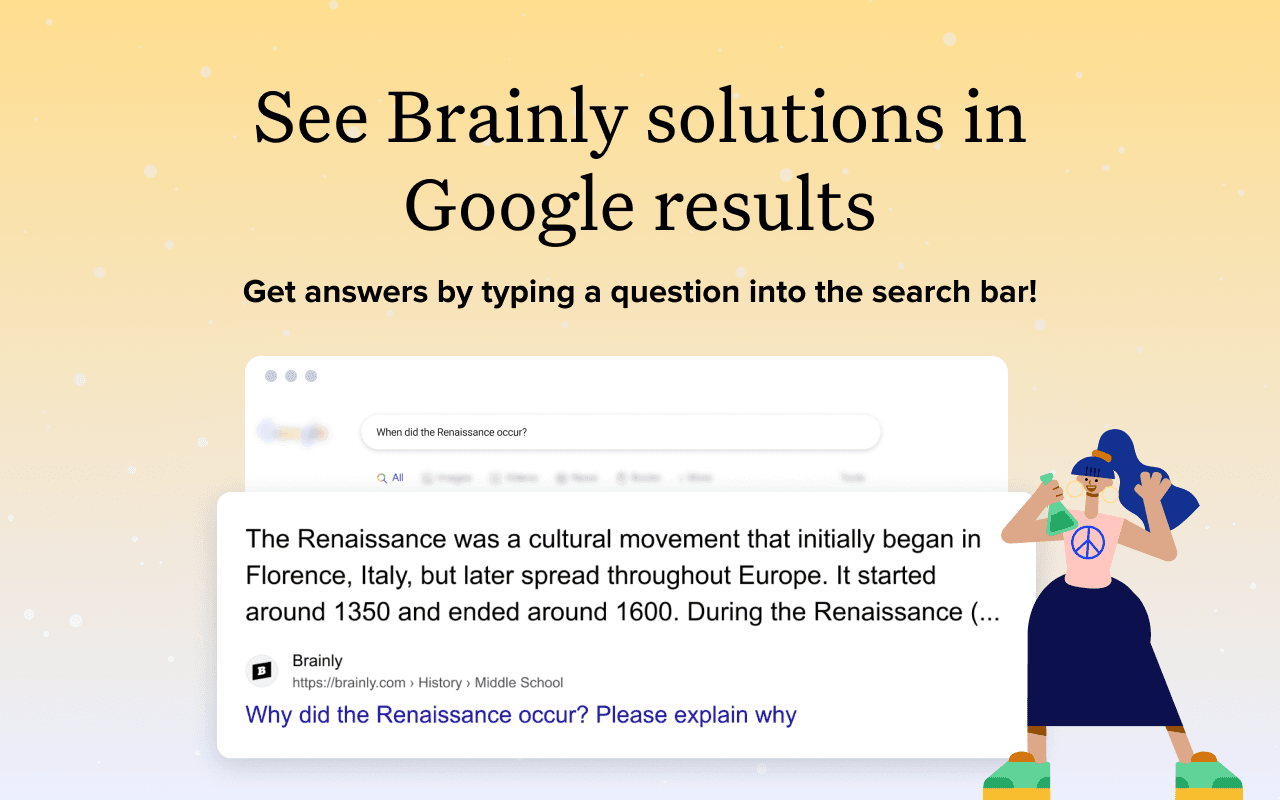
As we couldn't develop an onboarding experience, we took the opportunity to prepare attractive marketing materials for the extension web stores to showcase extension features. We wanted to design a short video with Giga Khurtislavi — Lead UX Motion Designer, to showcase all extension features to users in video format.